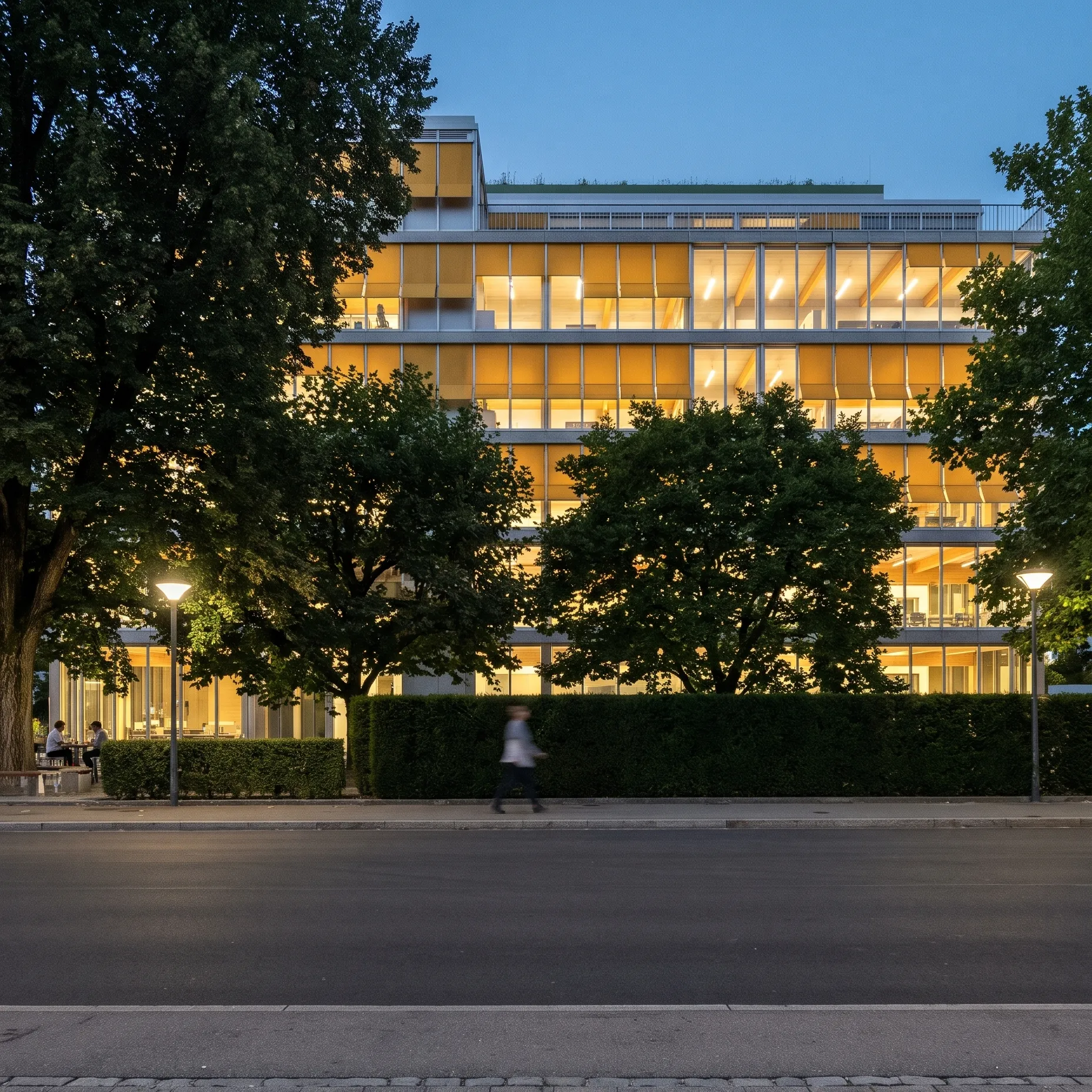
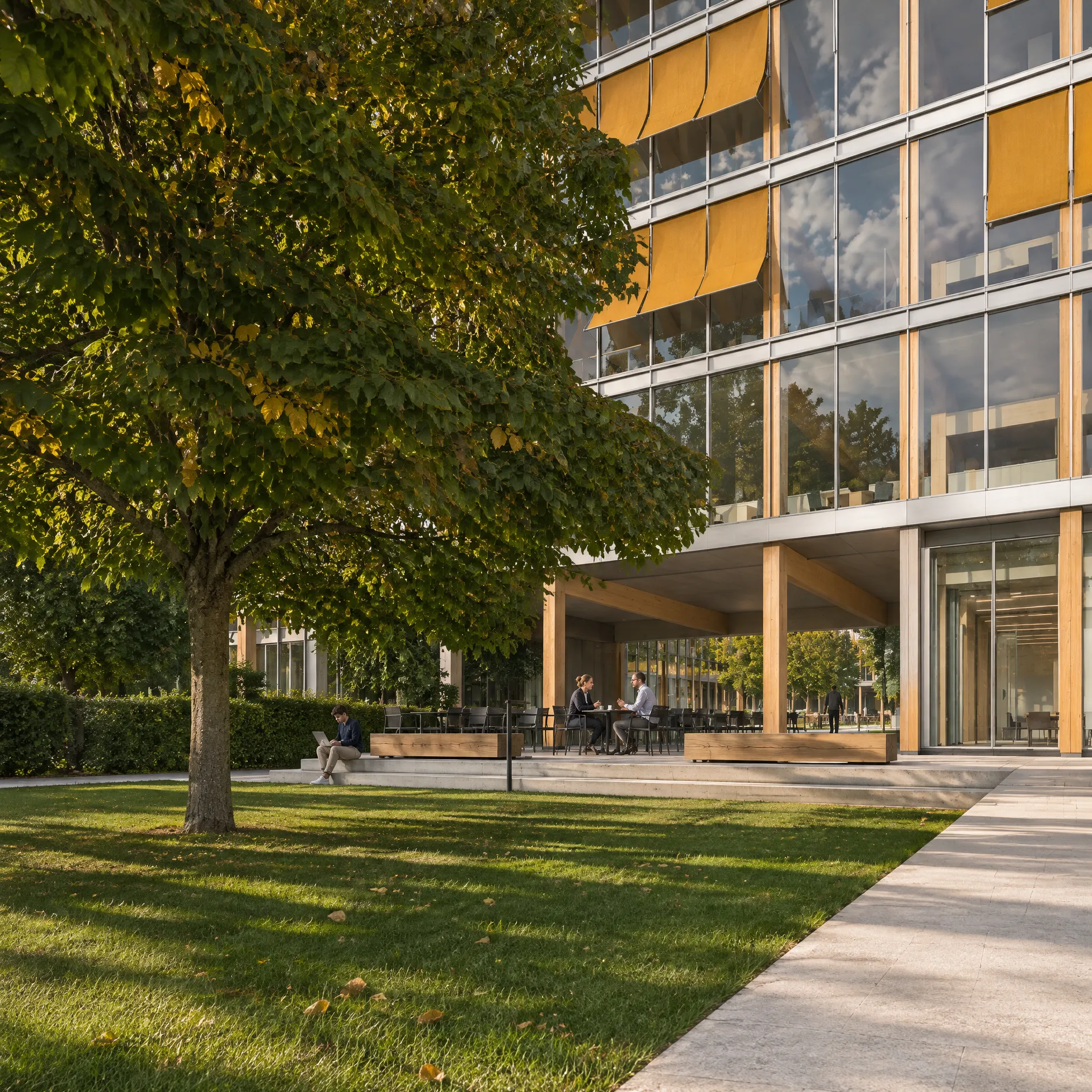
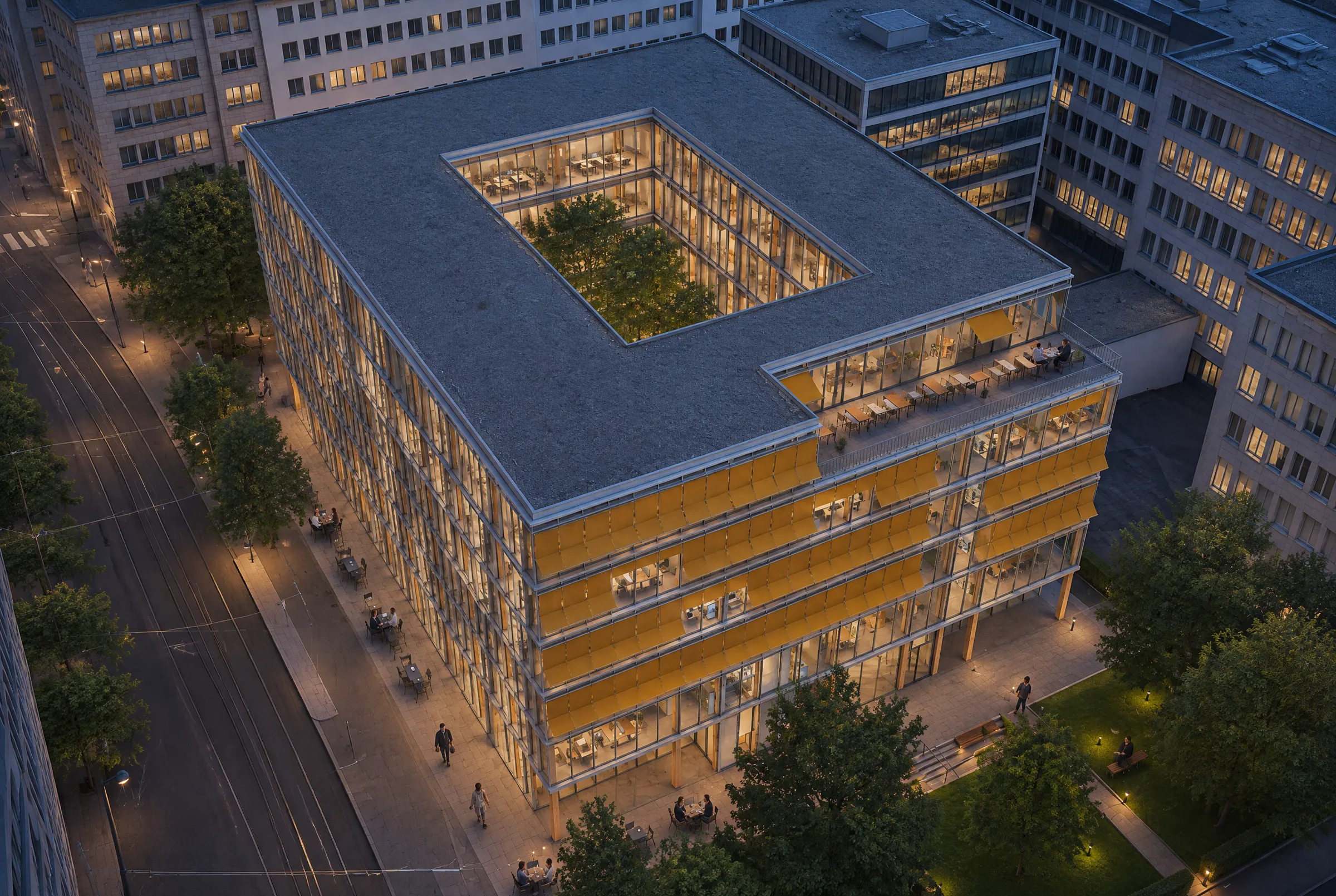
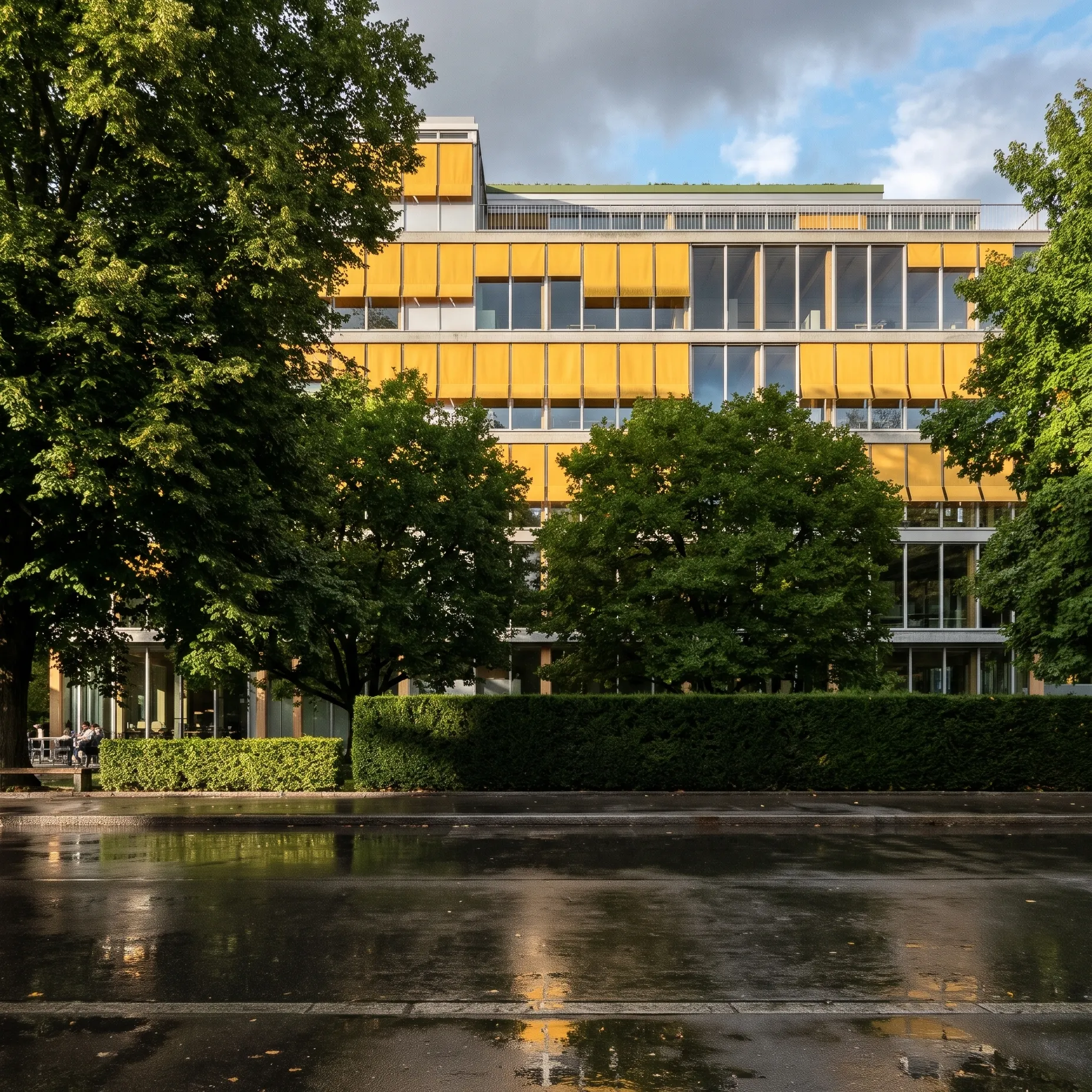
AI renders can change geometry: compare with the model view. Composition guided by the model view. The source model view is pending.
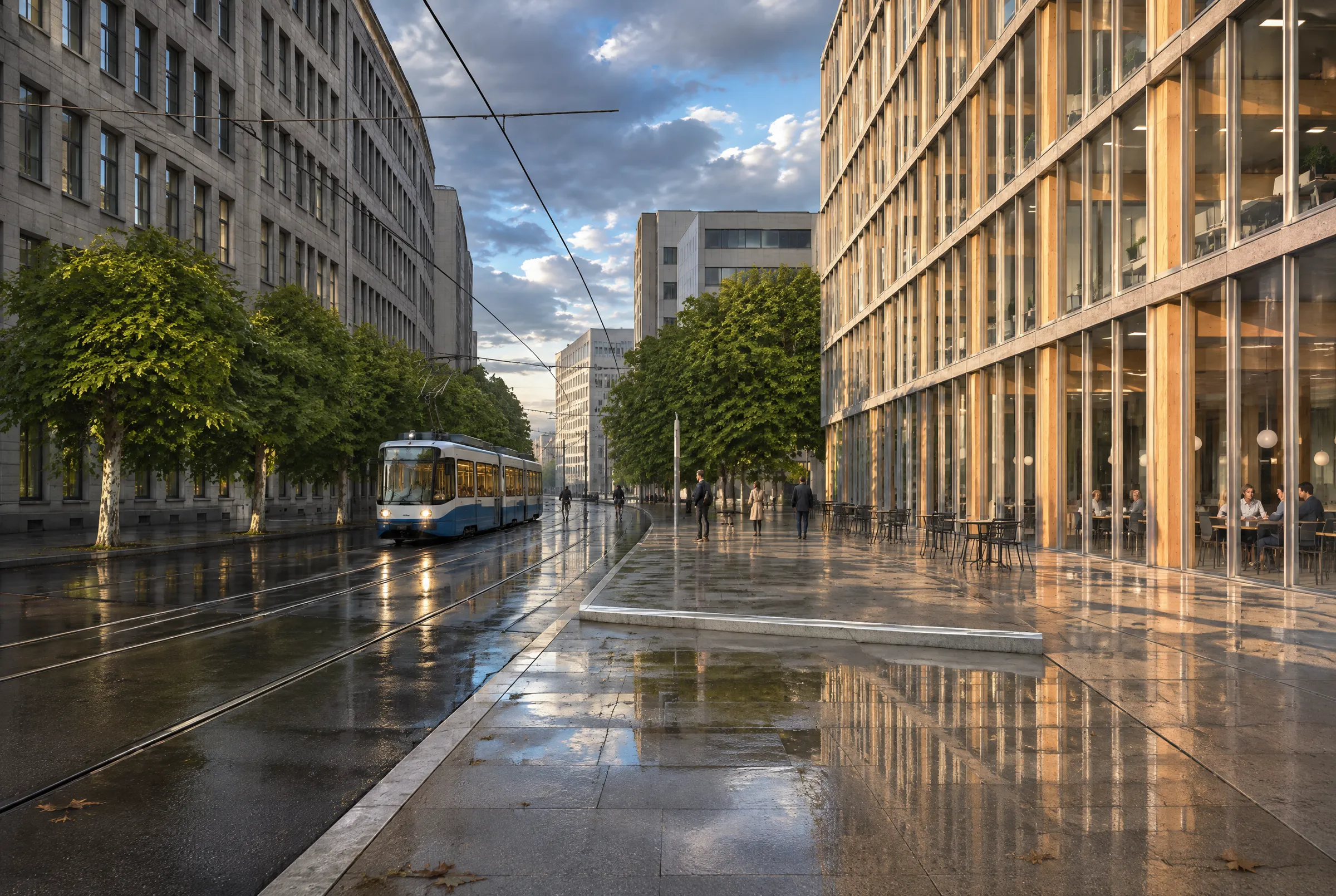
Zurich office · Street front at golden hour
AI-generatedRevit → GPT Image 2.6
Ask your AI assistant
Render the Revit 3D view of the street front with GPT Image 2.6, at golden hour on a clear June evening.
Show the full prompt
Using the Archi Automate MCP, take the Revit 3D view [the street front, across the street] as the reference image and render it with render_view on [GPT Image 2.6 Sunburst], with this image prompt: Camera: keep the input camera exactly. A level camera 1.4 m above the far pavement of a city street, square frame, shot with a shifted lens so the verticals stay vertical: the horizon sits low, in the lower third of the frame, and the upper part of the frame shows the full height of the office up to its roof edge, with open sky above it. The office front recedes from the right edge toward the centre; its roof edge runs from the left end of the office up to the top edge of the frame on the right. Do not raise, move, tilt, zoom, widen or crop the camera. Photographic architectural image, made to read as a real photograph, in which the city street and the light are the protagonists. Shot on a full-frame camera with a 30 mm lens, f/8, 1/250 s, ISO 100: natural depth of field, fine film-like grain, true photographic detail in stone, asphalt, steel rails, glass, concrete and leaves. One decisive moment of light: golden hour on a clear June evening at half past seven. Low raking sun, long crisp shadows: the sun, only 17 degrees high, shines from behind the camera under a clear blue sky with a few small clouds, and rakes along the long office facade, picking out every mullion, slab band and timber post, while the tall building on the left edge stands in shade. Long, crisp shadows of the trees, masts and people fall away from the camera across the dry street; a slight evening haze in the distance. Colour is natural and true, not boosted: true greys of concrete and asphalt, true green leaves, a warm but neutral evening light, no orange or amber cast. Strong but believable contrast, dramatic but true. Quiet, specific to this place and this minute. A full photographic tonal range: the sunlit slab bands and mullions of the office facade and the sunlit pale stone forecourt are the brightest tones, close to white without clipping, while the shaded building on the left edge, the shade under the street trees and the tram rails' shadow side go down to deep, clean near-black. Building: a Zurich office building, six storeys, a calm curtain wall of natural silver anodised aluminium mullions with clear glass, and a grey exposed-concrete slab-edge band at every floor, regular and continuous, one band per floor; light, honey-coloured timber posts and glulam beams stand just behind the glass, with exposed light concrete soffits, desks and people at work visible inside. The ground floor is glazed flush to the pavement, with a cafe inside; small black metal bistro tables and chairs stand on the pale stone forecourt along the glass. There is no arcade: the ground-floor glass is flush with the facade above. This street facade has no awnings and no sun shading: add none. The input is a simplified Revit model, and some things in it are placeholders. Render them as what they stand for, not as they look: - The large dark brown ground is a placeholder and its colour is wrong: it is the asphalt carriageway. Render it as dark grey asphalt with the steel tram rails set into it. The thin black lines on it are kerbs and road markings. - The light strip with a kerb in the middle of the street is the tram-stop platform: a bare, raised, kerbed strip of pale paving with only the one stop sign post. It has no shelter, no canopy, no roof, no kiosk, no bench, no ticket machine and no advertising. - The flat green cut-out shapes with thin trunks are placeholders for real mature street trees, plane trees with mottled bark and full summer leaves. Keep each trunk where it is and each crown the same size and outline as its cut-out. - The near-black colour of the tall building on the left edge is wrong: it is a real Zurich city building in dark grey stone and glass, standing in shade. The plain grey blocks at the end of the street are real Zurich office buildings in render with their window rows, in the same outlines. - The plain white box hanging from the span wires at the top right is a street lamp suspended over the street: render it as a plain flat suspended street luminaire, unlit, in the same place and size. - The top of the office is a plain flat roof edge with a thin aluminium parapet coping; nothing stands on the roof. - The pale grey flat sky is a placeholder; render the sky of this moment. - There are no shadows in the input; add the shadows this light would cast. Street life (not in the model, add it): one Zurich city tram in a plain blue-and-white livery, with no logos, no route number, no destination display and no text of any kind, standing at the far end of the platform, about 45 m away, just left of the centre, so that it covers only the lowest strip of the far end of the office. People at true scale, all far away: a few at the cafe tables on the forecourt, a few walking on the pavement along the office, two waiting on the bare platform. The near lanes stay clear. No cars. Nobody looks at the camera; nobody is the subject; no crowds. The sun is low in the west-north-west, almost straight behind the camera, a little to the left, and out of frame. There is no sun disc in the sky, no sun glow, no sunburst and no lens flare anywhere in the image. The skyline is a flat city horizon: only the buildings that are in the input. No invented landmarks, towers, church spires, wooded hills, mountains, masts, cranes or chimneys on the horizon. Treat the input image as the exact geometry and camera. Keep every building element exactly where it is: the office facade with the number, spacing and thickness of its mullions, transoms, timber posts and slab bands, the floor edges, the roof edge and parapet line, the flush glazed ground floor and its outline; the tall building on the left edge and the buildings at the end of the street; the tram-stop platform in the middle of the street with its kerb, the stop sign post, the rails, the overhead contact wires and span wires exactly where they cross the facade, the suspended street lamp, the lamp mast, and the street trees in their places. Keep the horizon height, the square frame and the sky above the roof exactly as in the input. Do not add, remove, move, bend or resize any part of any building. Do not add an arcade, balconies, canopies, awnings, sun shading, a storey, rooftop plant or signage to the office. Avoid: a tram shelter, a canopy or roof on the platform, a kiosk, a bus stop shelter, advertising panels, text, numbers, route displays, signs with lettering, logos, street names or watermarks, an orange or amber HDR cast, boosted or oversaturated colour, flat midday light, washed-out or pastel grading, grey lifted shadows, an illustrated or painted look, CGI plastic surfaces, the flat cut-out look of the input trees, brown ground, people posing or looking at the camera, crowds, cars, halos and HDR tone-mapping artefacts, a sun disc or sun glow, a sunburst, lens flare, invented landmarks, towers, hills or masts on the horizon, an arcade, awnings on this facade.
The long glass street front of the Zurich office, a sample model, in low evening sun, timber posts glowing behind the glass and a tram in the distance, rendered by OpenAI GPT Image 2.6 Sunburst. AI-generated; cropped to 4:5 outside Archi Automate, so no matching Revit view is shown.
- Engine
- OpenAI GPT Image 2.6 Sunburst
- Input
- Revit
- Time
- 60 s
- Cost
- $0.217 (metered estimate)
- Date
- 2026-11-14
- Tools
- Revit → render_view
- MCP calls
- render_view
Method notes
AI-generated image · OpenAI GPT Image 2.6 Sunburst. Not a photograph. Not a built project. This is a render of the Zurich office, a sample model made in Revit through the Archi Automate MCP. It is not a building that was built, and Archi did not design a real building here.
Full Tone. Full colour and real depth: the building in one chosen moment of light. Full Tone reads like a camera image. Natural two-point or axial framing at a believable eye height, true depth and a fine film-like grain. Each image commits to one clear light: hard summer sun with crisp shadows, golden hour raking across the façade, or blue hour with the offices glowing from inside. The moment and the mood carry the image.
How it was made. OpenAI GPT Image 2.6 Sunburst rendered this image through Archi Automate’s render_view, from a Revit 3D view of the sample model. The view was exported from Revit and sent as it was. The result was then cropped to a 4:5 portrait with a script outside Archi Automate, at the owner’s request (crop only, no resampling, no grading), so no matching Revit view is shown. It is a restyled view, composition guided by the model view, not a record of the model.
Added by the render, not in the model view: the sky, the low sun and the long shadows, the reflections in the glass, the leaves of the street trees (the model has flat green placeholder crowns), the tram and the people. The tram and the people are generated by the image model and are not real.
The image on this page is re-encoded for the web. Compare it with the model before relying on a detail.