Made with Archi Automate · AI render
Farnsworth House, Sunbeam Room
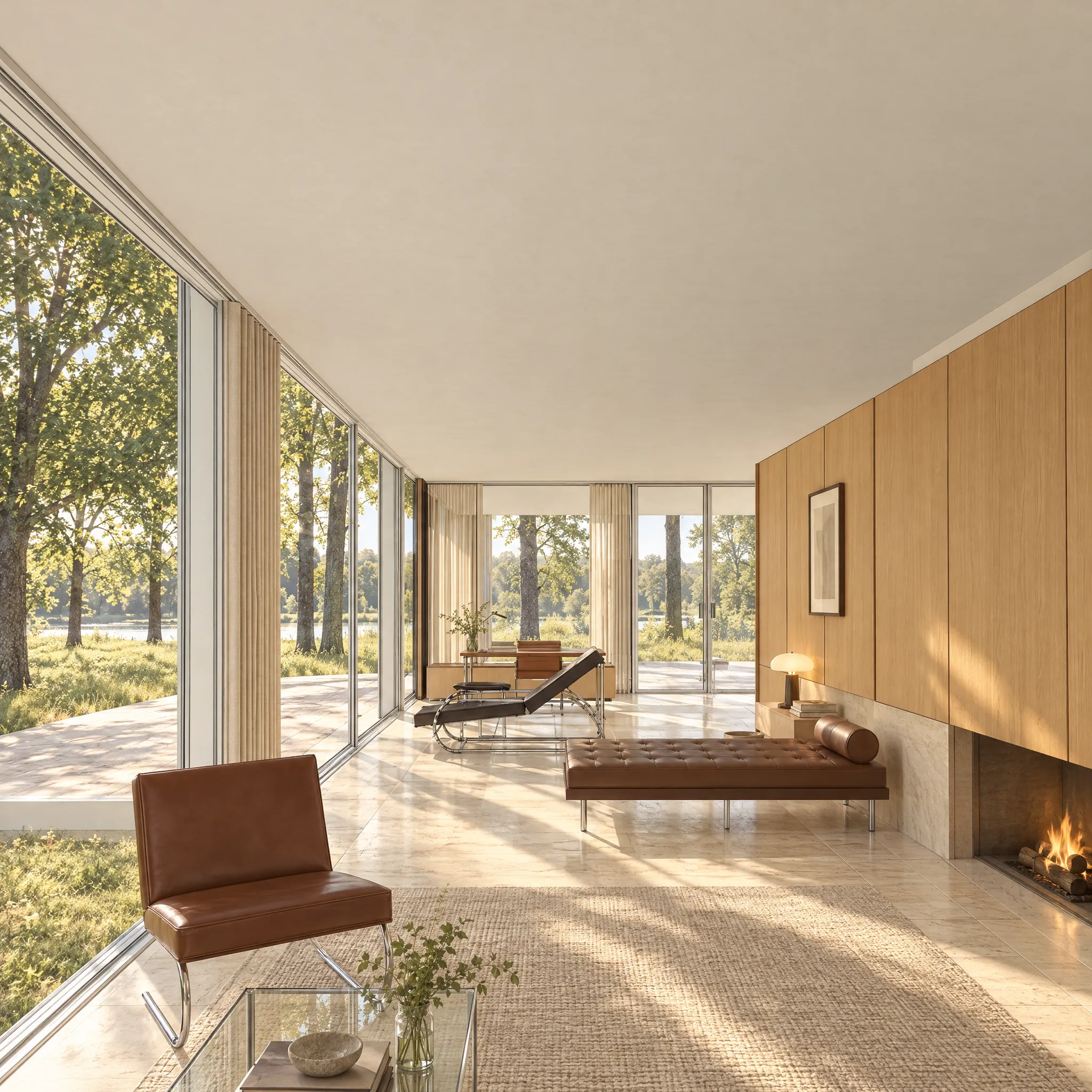
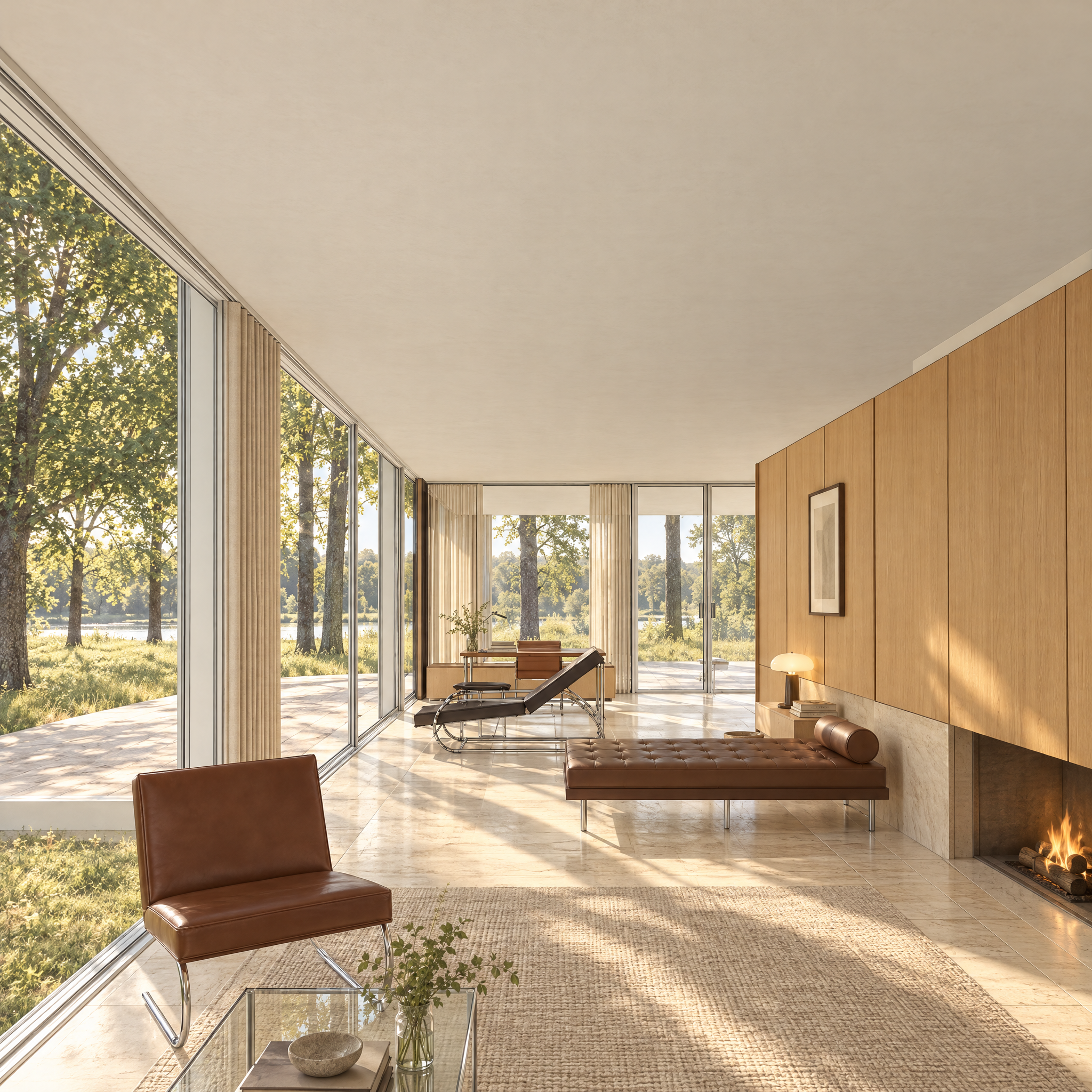
The living area on a clear morning with low sun, rendered from the Revit model by GPT Image 2.5 Sunburst.
Archi did not design this building. We modelled it from public records to show what the software does.
2048 × 2048 px. Open it full size to see it at 100%.
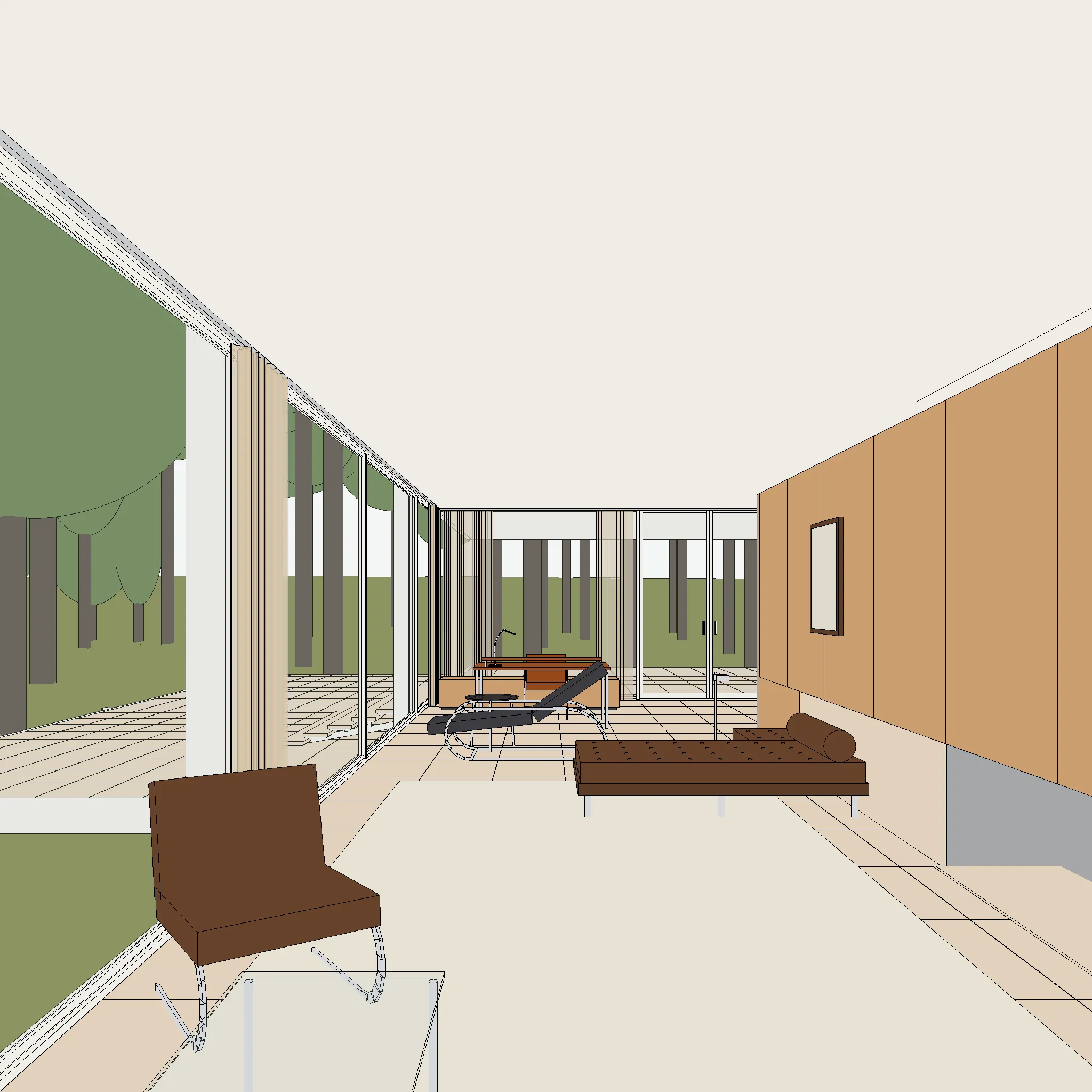
Not geometry-locked: compare with the model view. AI-generated imagery can change dimensions, openings and materials. Use the comparison below.
Compare with the model view
Tool chain
- Revit
- render_view
MCP calls, in order
- render_view
Provenance
| model | OpenAI GPT Image 2.5 Sunburst (openai/gpt-image-2.5-sunburst), reference lane |
|---|---|
| cost | $0.12 (metered estimate) |
| time | 40 s |
| date | 2026-11-07 |
The prompt
Using the Archi Automate MCP, take the Revit view [FH - Style I1 living] as the reference image and render it with render_view on [GPT Image 2.5 Sunburst], with this image prompt: Interior of a domestic-scale room on a clear morning. Crisp shafts of low sun fall through the windows and draw sharp, warm patches on the floor and wall; the rest of the room rests in soft, luminous shade; a warm lamp glows. A muted, warm palette of oak, linen and stone; lifted shadows; calm and intimate. No people, or one person in the distance. A fine, even grain; hand-finished. Room: the living area along the south glass, the primavera core with its fireplace on the right. Materials and furniture: pale travertine floor, a light primavera-wood core with a fireplace, a teak wardrobe, white plaster ceiling, glass on all sides, a few mid-century leather and chrome chairs, a long table and a daybed. View outside: the meadow and maples, the river beyond. Season and time: [clear morning, low sun]. Treat the input image as the exact geometry and camera. Keep every building element exactly where it is: outline, proportions, the number, spacing and thickness of columns, mullions and frames, floor and roof edges, openings, stairs and terraces. Keep the camera position, lens, horizon height and frame exactly as in the input. Do not add, remove, move, bend or resize any part of the building. Change only how materials, light, sky, vegetation, people and atmosphere look. Avoid: saturated blue sky, sunset or golden-hour colour, dramatic clouds, lens flare, HDR look, glossy CGI reflections, deep black shadows, vignetting, tilted or converging verticals, visible brush strokes, oil-paint or canvas-weave texture, people posing or looking at the camera, people close to the camera, cars in the foreground, text, logos or watermarks, spotlight-like sun patches, volumetric god-rays.
Method notes
AI-generated visualisation. Not a photograph. GPT Image 2.5 Sunburst (OpenAI) rendered this image from a Revit 3D view of the model that Claude built through Archi Automate’s Revit tools, from the Historic American Buildings Survey sheets: HABS IL-1105, National Park Service, delineators J. Cellini, E. Milnarik, B. Roeder, 2009. The image is the model’s output as returned, unretouched.
The Revit view was exported as an image and cropped to the render frame outside Archi Automate, then sent with render_view. The render adds things that are not in the model view: a table lamp, books, a bowl, a vase and plants, a fire in the fireplace, and the river outside. It turns the model’s simple trees into detailed ones. It is a restyled view, composition guided by the model view, not a record of the model.
The image above is re-encoded for the web and does not carry Content Credentials. The original PNG (6.8 MB) keeps OpenAI’s C2PA Content Credentials, and the render record lists the model, prompt, input and cost.
The Farnsworth House was designed by Ludwig Mies van der Rohe. This image is an independent study made from the public survey. It is not endorsed by the Farnsworth House or the National Trust for Historic Preservation.
Windows · 14-day free trial · no credit card. Install, connect your assistant, paste the prompt. Replace bracketed values with your own.
More in AI renders
View category ↗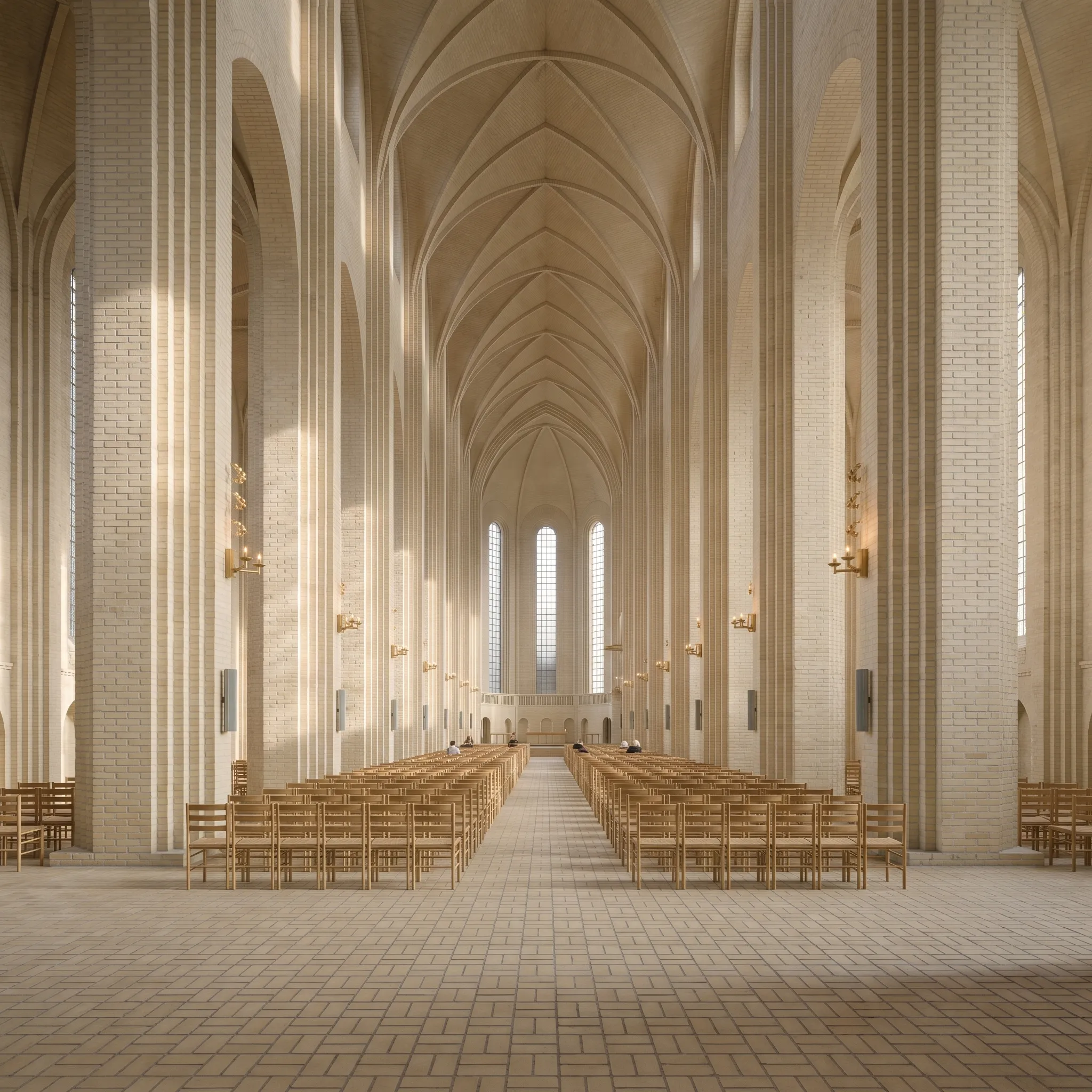 AI-generated
Grundtvig's Church, Nave
 AI-generated
Grundtvig's Church, West Front
 AI-generated